-

Base Lab Setup Part 1.5: Setup Linux Jump/Workstation VM
Since I will also be exploring many KVM based hypervisors like OpenShift Virtualization, Nutanix AHV, SUSE Virtualization, etc I am also going to set up a Linux based Jump server as my main lab workstation. This section will walk through installing Alma Linux 10 inside of a Proxmox VM and…
-
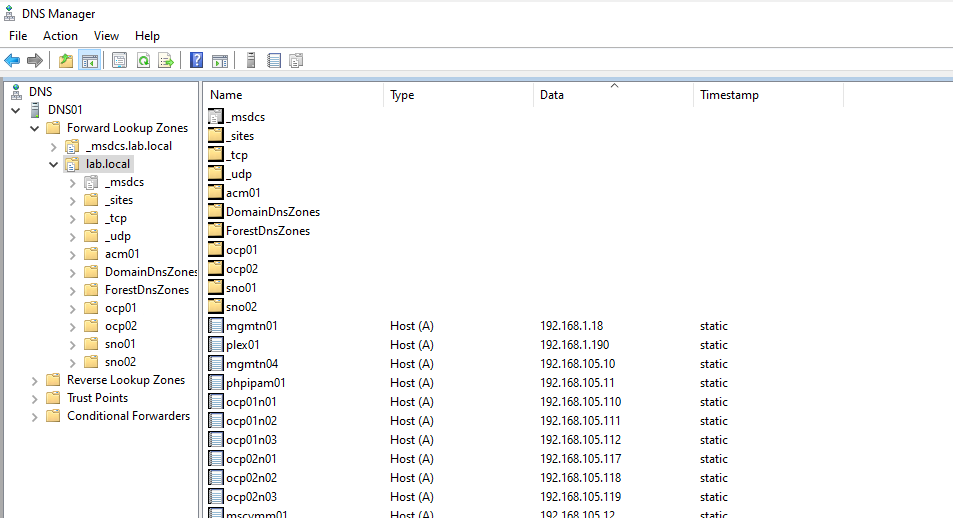
Base Lab Setup Part 1.4: Setup Windows AD/DNS/Workstation VM
Before deploying nested hypervisor clusters you are going need a DNS server to provide hostname resolution. If you are going to be exploring Hyper-V like I am you will also want a basic AD server and a place to run the Windows specific admin tools. For my lab I am…
-
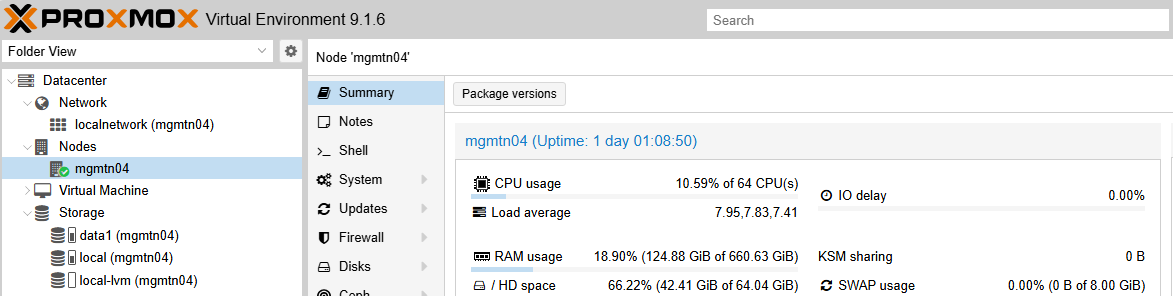
Base Lab Setup Part 1.3: Hypervisor Setup for Nesting
In this section I will review how I set up Proxmox on my R740 to be my base hypervisor that will run the nested environments later. In this section I will setup the Proxmox networking and storage to be ready for VM workloads and Nested Hypervisor VMs. I ended up…
-
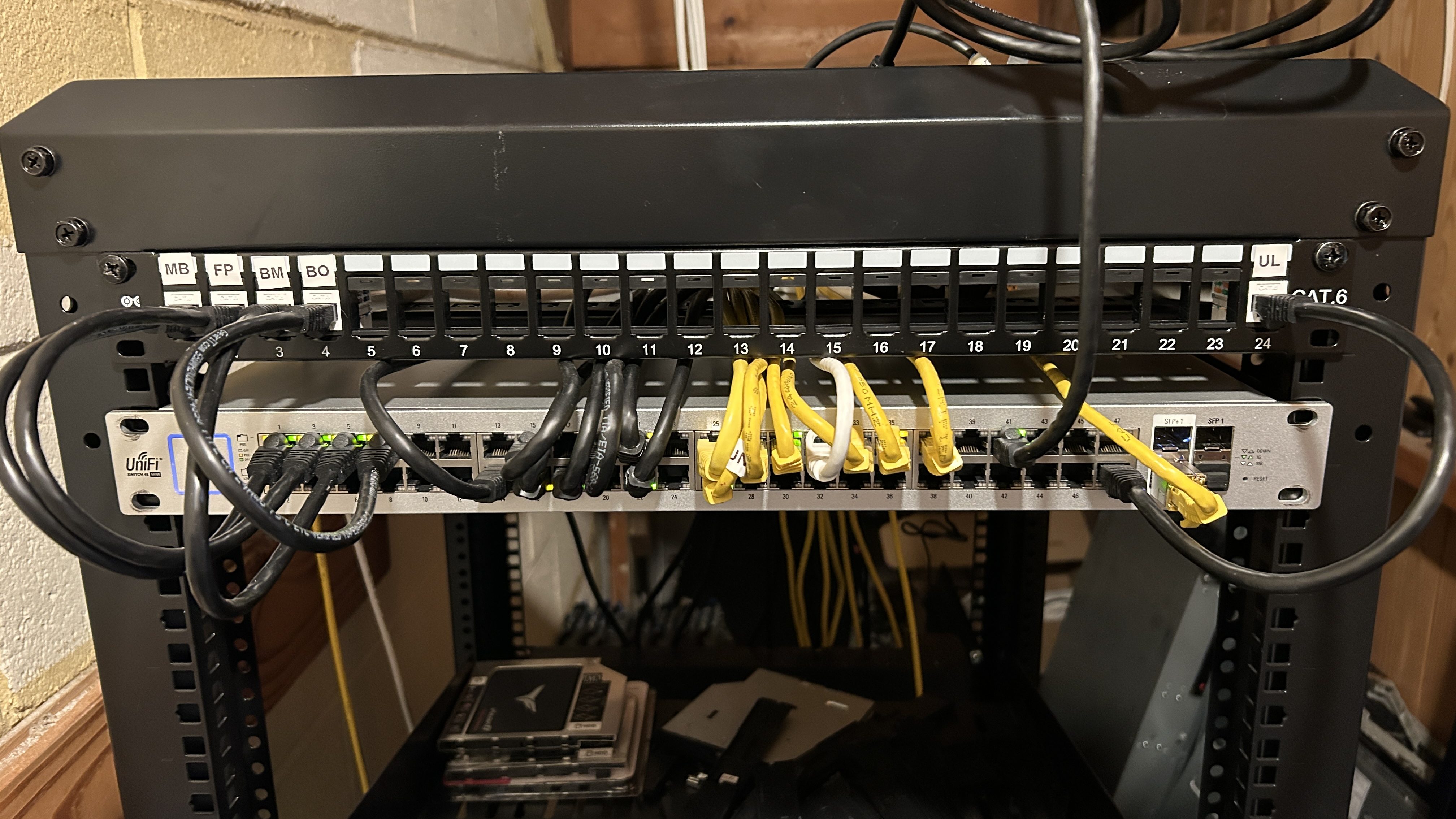
Base Lab Setup Part 1.2: Network Hardware and Configuration
For my lab networking I will be using 1x 1G and 1x 10G from my server for connectivity. My home lab network runs on UniFi network switches and access points. You don’t have to use UniFi networking for nested testing, the things that you will need from your network switch…
-
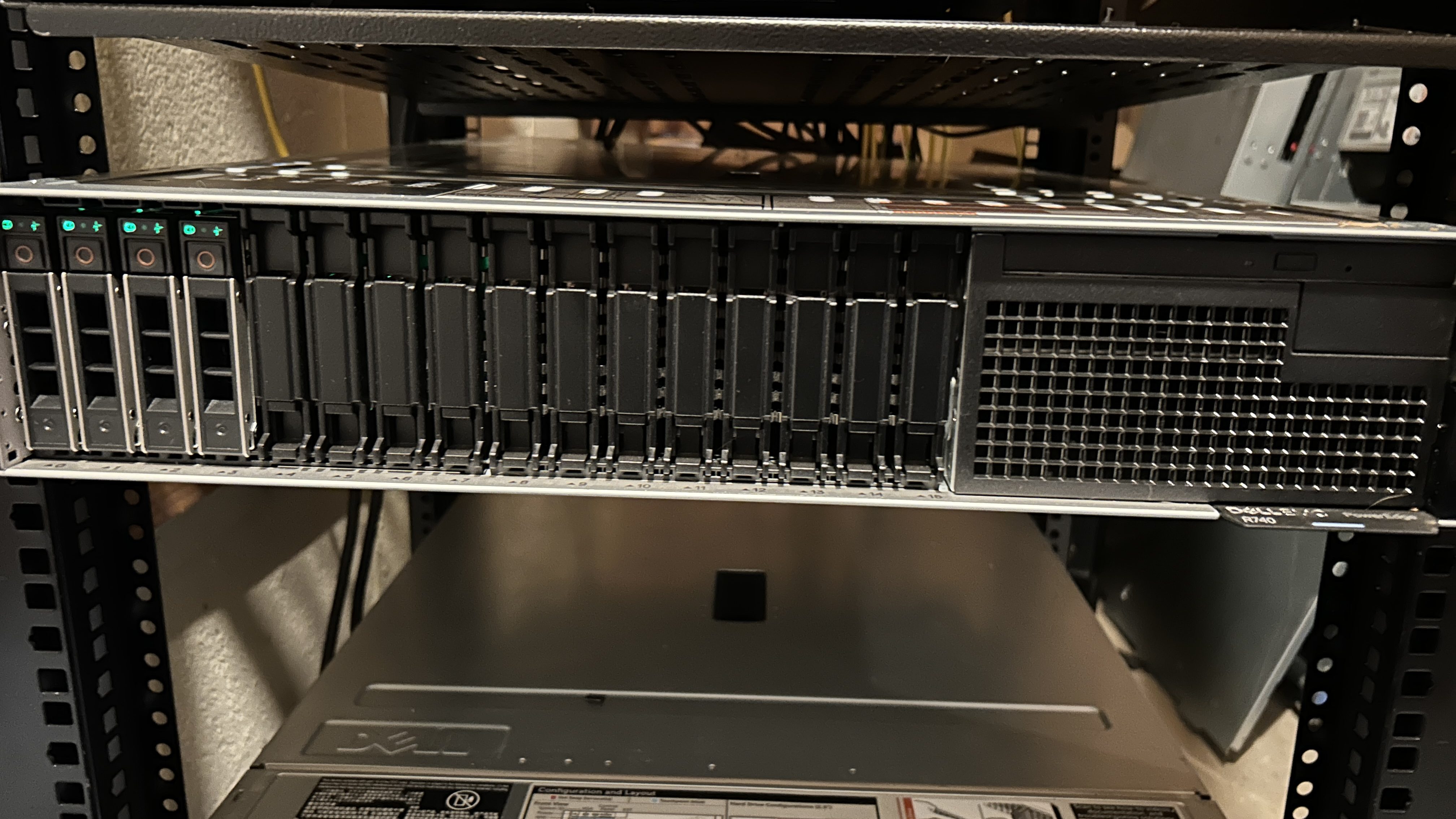
Lab Hardware Part 1.1: Server Hardware and Configuration
Since the goal of my home lab is to learn about multiple different hypervisors, and be able to run at least two different hypervisors at the same time for testing, I am using older server grade hardware instead of the more desktop hardware found in a home lab for a…